


Digitally sign PDF documents
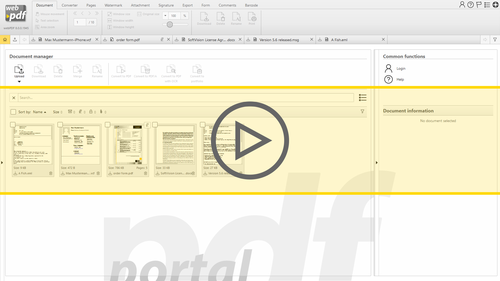
Use webPDF to digitally secure PDF documents and safeguard them by attaching electronic signatures and certificates.
webPDF lets you digitally sign, approve and save documents as PDF files. Its digital signature features let you take care of document-related work electronically even in legal matters. webPDF comes with all the certification and security mechanisms that are required to integrate the digital signature as a full-fledged authorization process within your business operations. This means that all your internal and external communications can now be done electronically and not on paper. Oversight and authorization procedures within your company, as well as legally compliant correspondence with partners and customers, can now be converted to one standardized format using PDF.
The German Signature Act and European regulations
webPDF can convert more than 100 file formats to secure PDF files. Its integrated electronic signature features meet all the latest statutory standards. The formats generated also fulfill the requirements of the German Signature Act (SigG) and European directives and regulations governing digital signatures. The webPDF server’s centralized implementation provides legal safeguards and certainty for all your company’s document traffic. Various signature levels are available, and which permit only specific documents or a broad stream of documents to be certified, will safeguard the documents against manipulation or make them legally valid. webPDF lets your employees use any internet-capable device to convert most any document to PDF and attach digital signatures.
Long-term archiving: certificates and time stamps
webPDF signatures also meet the statutory requirements for long-term archiving. Together with the related certificate, electronic signatures render full legal validity to your documents. Time stamps can also be attached to PDF documents. The respective time stamping authority (TSA) tracks the creation and modification times of documents and thus prepares them perfectly for legally compliant archiving. webPDF gives you everything you need to secure and authorize documents in a manner that is valid in law. Server based and centrally integrated, the webPDF engine will help you save time and money, without having to sacrifice its full range of features for secure PDF processing:
- webPDF comes with all the functions for adding digital signatures and certifying PDF documents
- Supports local and smartcard-based certificate storage
- PDF documents can be centrally signed using the server
- Time-critical documents can be digitally signed as PDFs using the time stamp feature.